Latest Posts
 CloneDVD Review and Alternative: DVD Backup in 2026
CloneDVD is still sold directly by its developer, Elaborate Bytes, but AnyDVD, the decryption tool it relied on for newer discs, was discontinued by RedFox. This review tests CloneDVD's current features, pros, and cons, then walks through DVDFab as a maintained alternative with broader disc compatibility. For older, unprotected DVDs, CloneDVD can still work; for newer titles, DVDFab is the more reliable option.
By Diana Smith - Oct 20, 2026![5 Top AVI to DVD Converters for Windows and Mac [2026]](https://images.dvdfab.cn/artifact/2026/10/19/HsCx2t8W3VyD6wHfogzkhte4XqgpBqdz/feature_cover.jpg) 5 Top AVI to DVD Converters for Windows and Mac [2026]
5 Top AVI to DVD Converters for Windows and Mac [2026]An AVI to DVD converter turns AVI videos into DVD-Video discs that can play on compatible standalone DVD players. For a free option, DVDStyler works on Windows, Mac, and Linux, while WinX DVD Author creates watermark-free DVDs on Windows. DVDFab DVD Creator adds video editing, customizable menus, and disc, ISO, or DVD-folder output. Choose the DVD standard and disc capacity supported by your player, then check the finished DVD before making more copies.
By Diana Smith - Oct 20, 2026 5 Best Android DVD Player Apps in 2026 (Plus ISO & External-Drive Fixes)
While most smartphones and tablets don't have a built-in DVD drive to play physical discs, you can still enjoy your DVD collection with a few simple workarounds. In this guide, we'll explore how to convert DVDs into digital files that can be transferred to your phone and recommend the best Android apps that can play them.
By Diana Smith - Oct 19, 2026 Is DVDFab Safe? Virus Scan, Legal Check, and Payment Safety Guide (2026)
DVDFab is a disc-ripping and decryption tool that some antivirus programs flag on download, leaving new users uncertain about its safety. This guide covers the VirusTotal scan result, digital signature verification, and the legal picture under US copyright law. The official installer is clean; whether disc decryption is legal in your country depends on local law.
By Diana Smith - Oct 19, 2026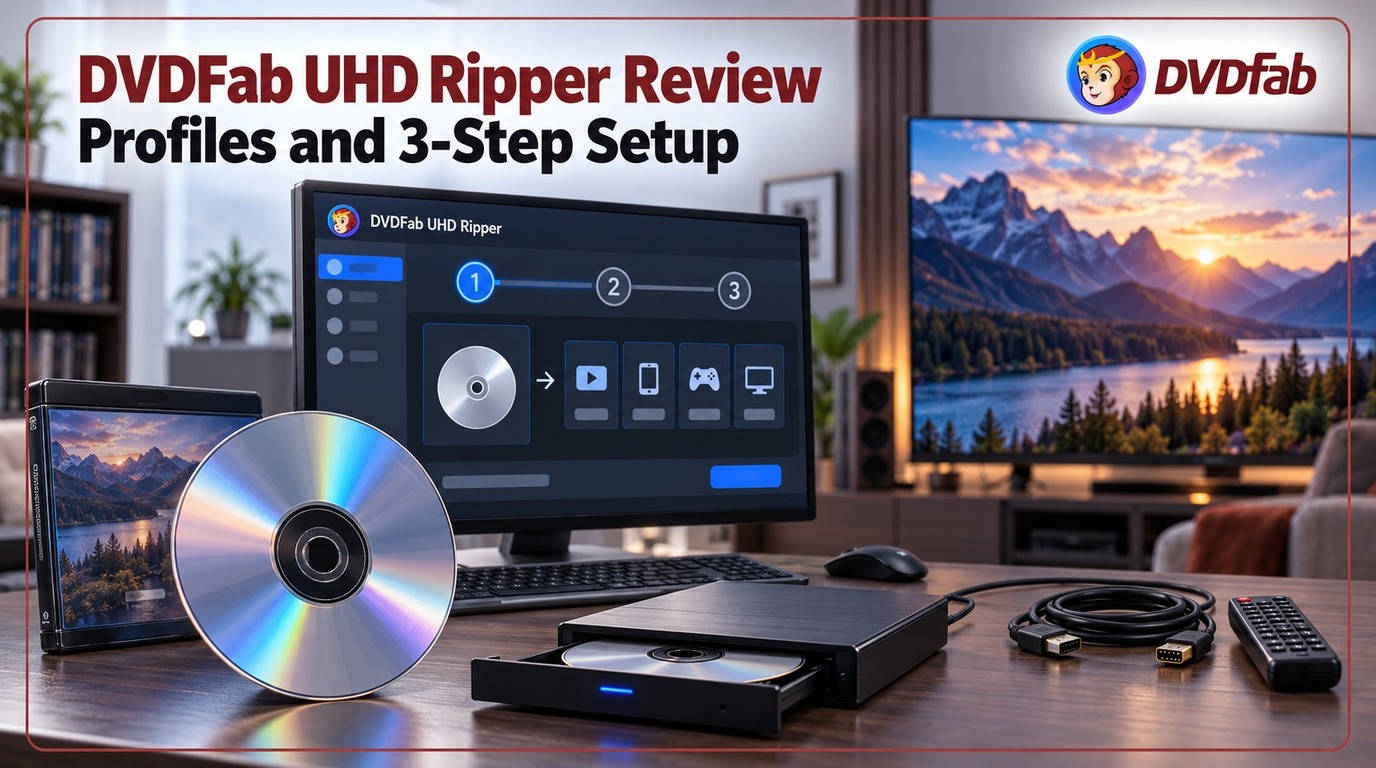 DVDFab UHD Ripper Review: Key Features Tested & How to
DVDFab UHD Ripper is designed for users who want to rip 4K UHD Blu-ray discs, ISO files, or folders into flexible digital formats such as MKV, MP4, and M2TS. It is most useful when you need profile control, HDR10 or Dolby Vision preservation, subtitle and audio selection, compression options, and GPU-accelerated conversion. Before using it, prepare a compatible 4K UHD Blu-ray drive, enough storage space, and a clear output goal such as lossless backup, Plex playback, mobile playback, or SDR display compatibility.
By Diana Smith - Oct 15, 2026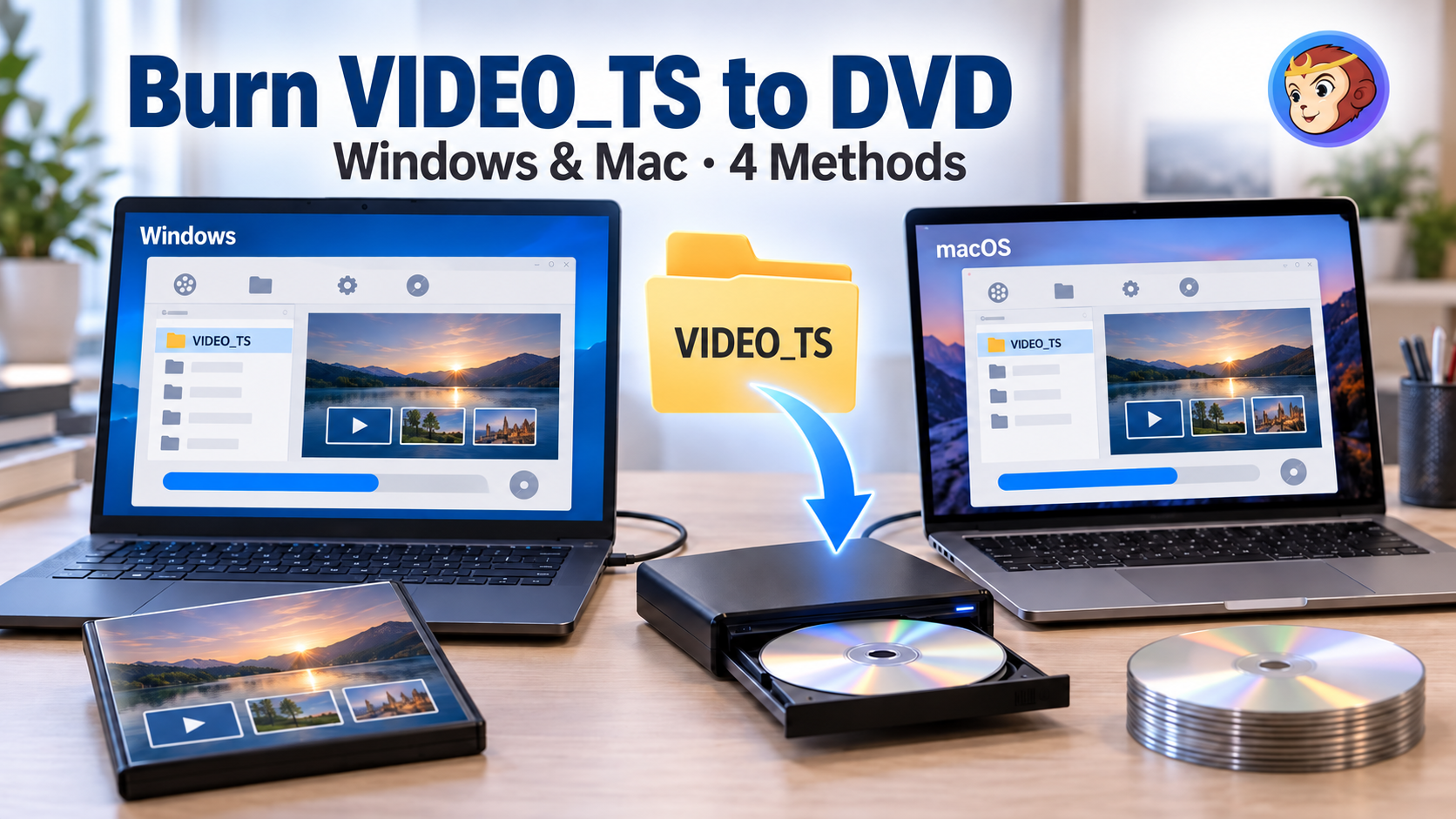 How to Burn Video_TS to DVD on Windows and Mac: 4 Methods That Work
A VIDEO_TS folder will not play on a DVD player just by copying it onto a blank disc: authoring and burning are separate steps, and skipping either one is why home-burned discs often fail. This guide covers four ways to handle both steps, from an all-in-one paid application to a free two-tool combination and the burning feature built into Windows. For most people, the choice comes down to paying for ongoing support and menu design, or using a free workflow.
By Diana Smith - Oct 15, 2026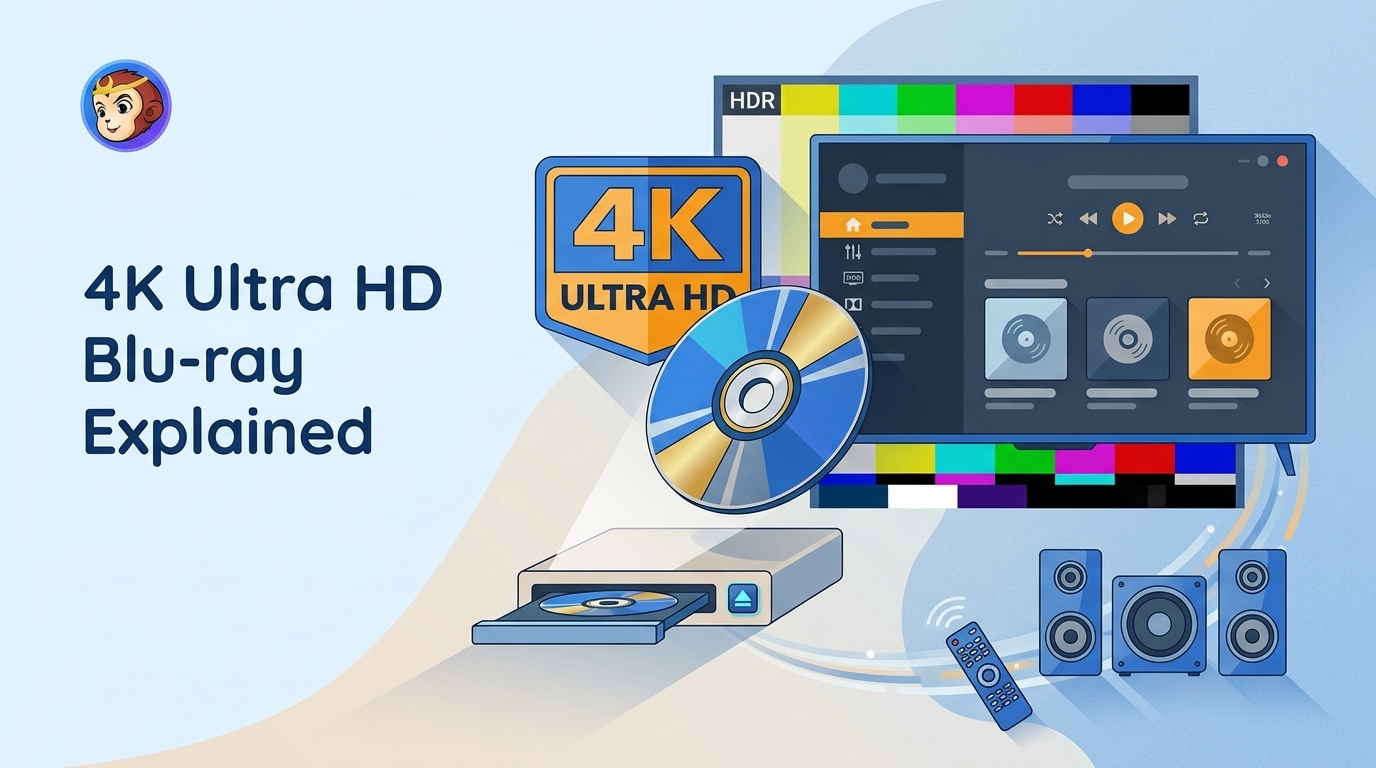 4K Ultra HD Blu-ray Solution: Everything You Need to Know
4K Ultra HD Blu-ray still matters if you want better picture, less compression, and stronger audio than streaming can usually offer. This guide explains the difference between 4K and UHD, what you need to play UHD discs, and when standard Blu-ray is still enough. If you want to back up or convert UHD movies for easier viewing, DVDFab UHD tools can also help.
By Diana Smith - Oct 15, 2026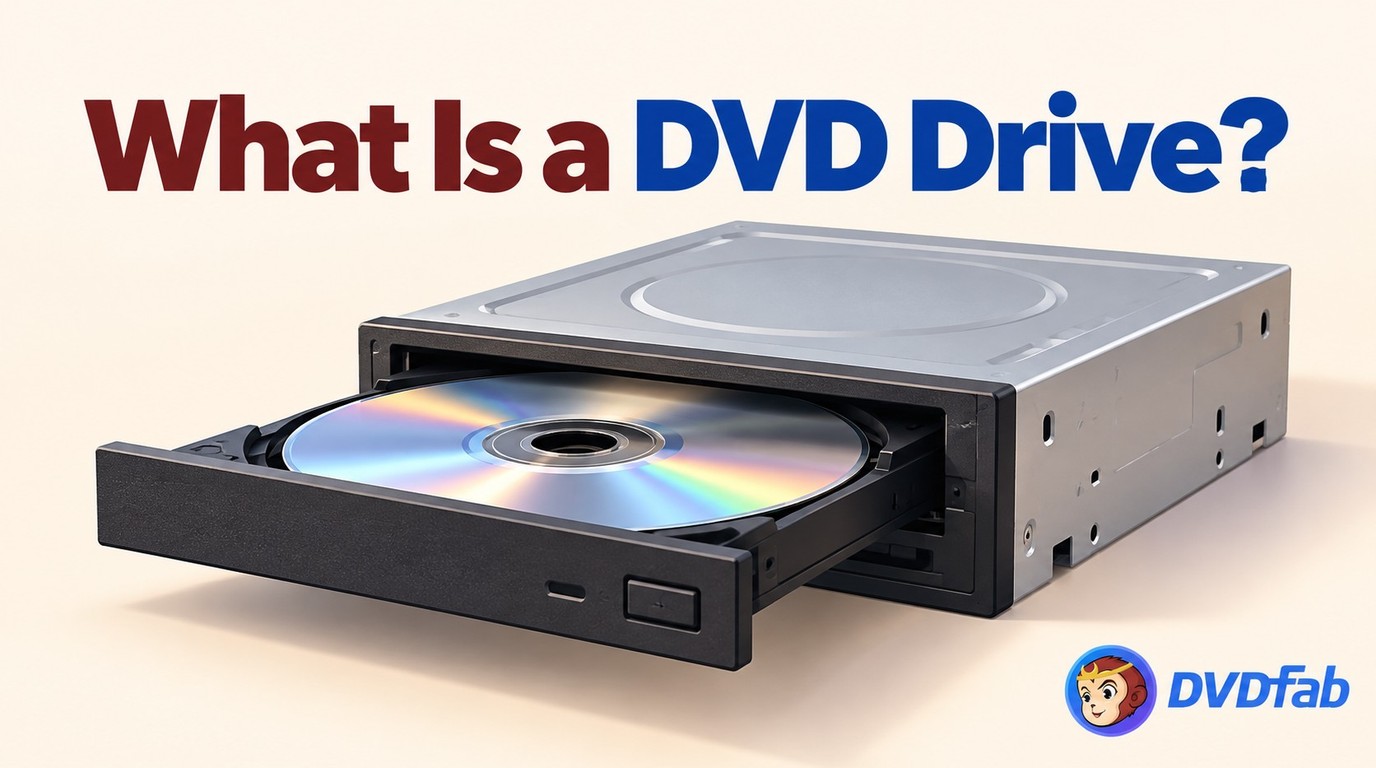 What is a DVD Drive? Definition, Functions and Types Explained
Choosing between an internal, external, or virtual DVD drive depends on how much desk space you have and whether your laptop still has a disc slot at all. This guide compares read speeds across drive types, flags the reliability signals worth checking before buying an external unit, and walks through the Device Manager and power-setting fixes that resolve most drives that stop responding.
By Diana Smith - Oct 15, 2026![Convert Video to DVD: 5 Free & Paid Video to DVD Converters [2026]](https://images.dvdfab.cn/media/convert_vidoe_to_dvd_dza0f3.png/public) Convert Video to DVD: 5 Free & Paid Video to DVD Converters [2026]
Convert Video to DVD: 5 Free & Paid Video to DVD Converters [2026]Converting video to DVD involves a platform decision, an input format fit, and for some users an installation safety check. This article tests five DVD creation tools across Windows and macOS, covering free and paid options. For most Windows users with standard files, Free Video to DVD Converter handles the task at no cost. DVDFab DVD Creator covers the full range for cross-platform and GPU-accelerated needs. A separate section addresses three professional tape-to-DVD services.
By Diana Smith - Oct 14, 2026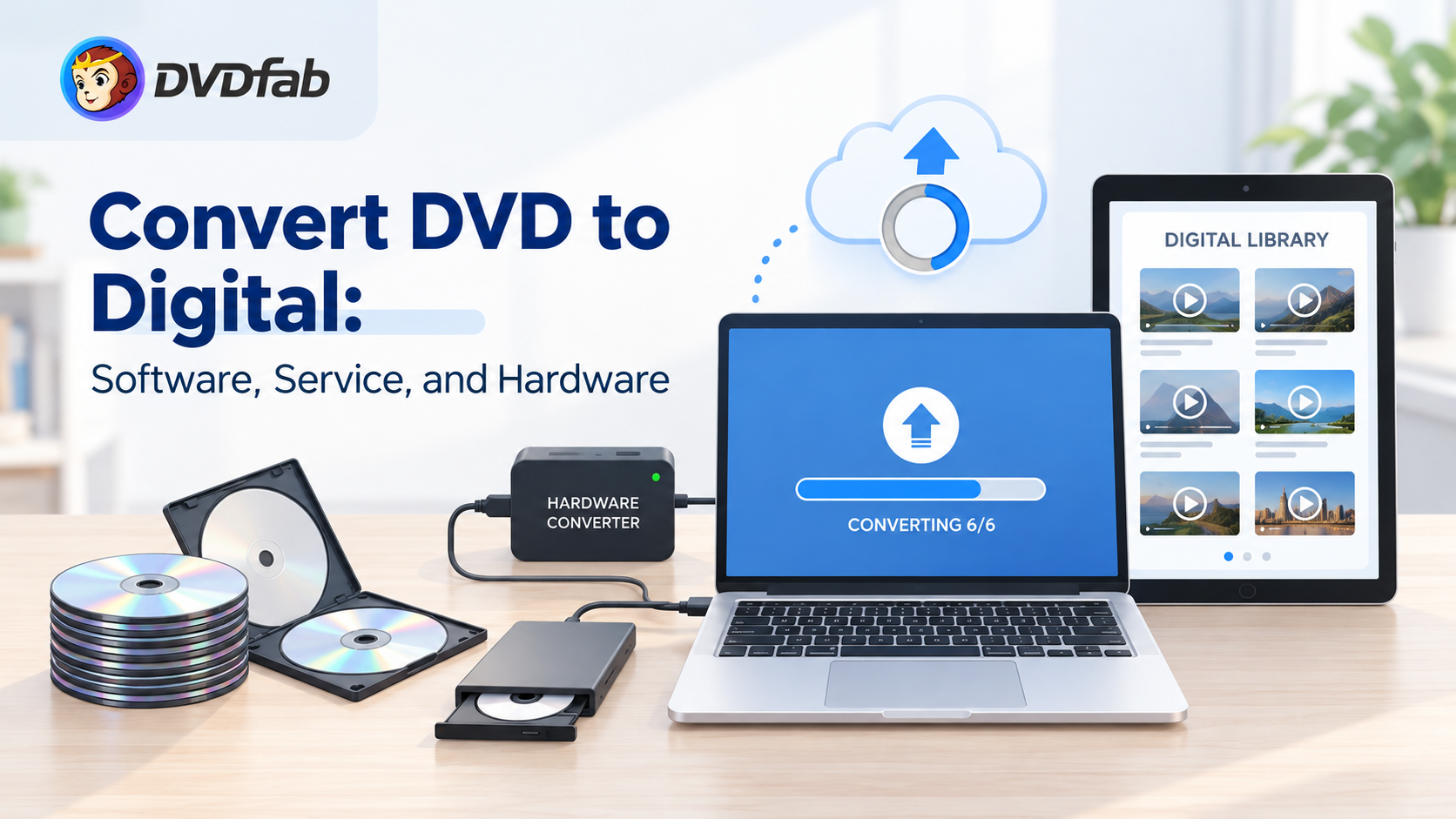 How to Convert DVD to Digital in 2026: 7 Software, Service & Hardware Methods
Converting DVD to digital is the process of extracting video data from physical discs into digital files like MP4, MKV, or ISO. To digitize a DVD collection, you can use software such as DVDFab DVD Ripper for encrypted discs and HandBrake for homemade DVD, or utilize mail-in transfer services like Walmart. This guide compares best methods to convert DVDs for playback on mobile devices, TVs, and Plex servers.
By Diana Smith - Oct 14, 2026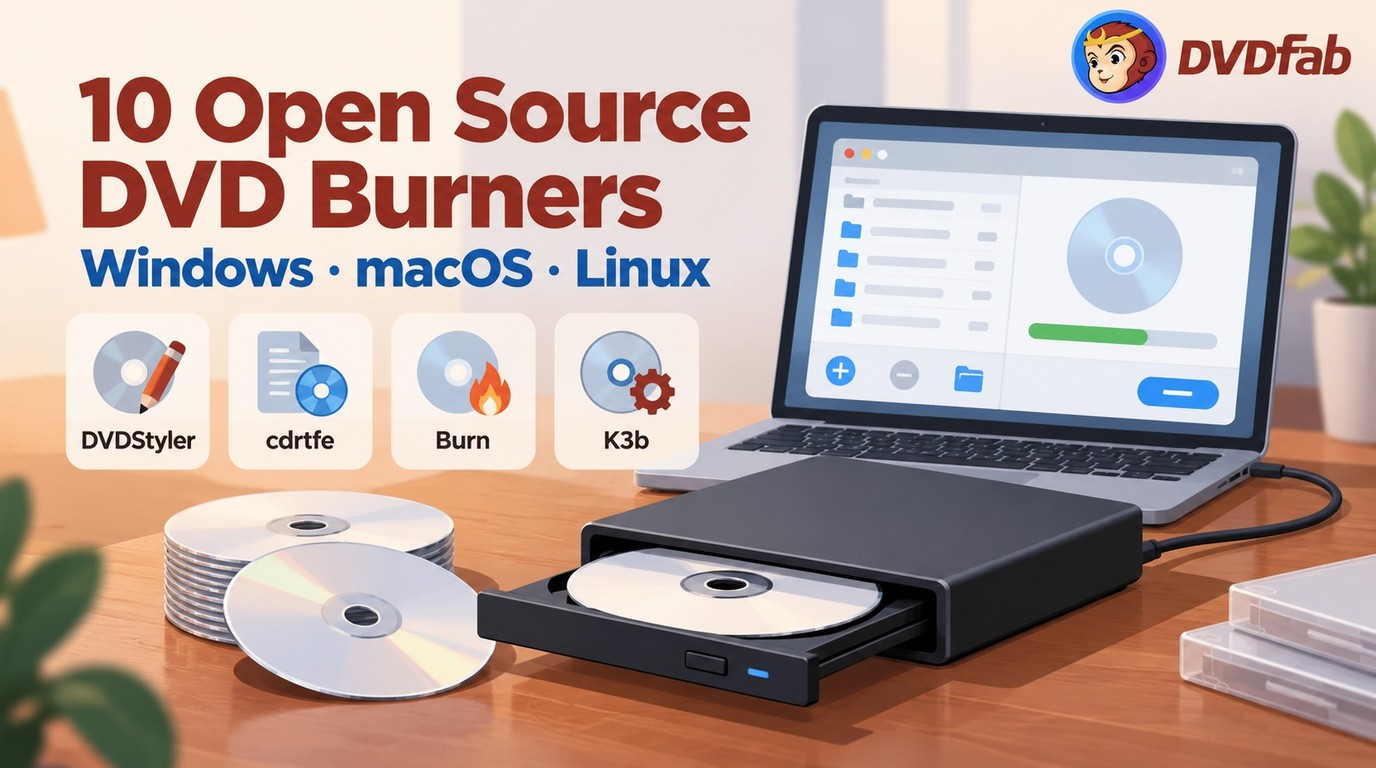 10 Tested Open Source DVD Burners for Windows 10/11, Mac & Linux
An open source DVD burner should be chosen by operating system and disc type. DVDStyler works better for playable movie DVDs with menus, cdrtfe and InfraRecorder suit Windows data or ISO burning, Burn is the main Mac option, and K3b is the stronger Linux choice. ImgBurn and CDBurnerXP are useful freeware choices but not open-source tools, while DVDFab DVD Creator is a professional alternative for burning high-quality DVD with modern and personized menus.
By Diana Smith - Oct 14, 2026 HandBrake Batch Convert in 2026: Queue Multiple Files to MP4
HandBrake's batch convert queue works well until a library grows large enough that encoder choice, nested folders, and per-file audio settings start causing slowdowns or failed jobs. This guide walks through queuing files, picking the right encoder for large batches, and the two workflow gaps that catch most users off guard. For copy-protected DVDs, which HandBrake cannot decrypt on its own, DVDFab DVD Ripper covers the gap.
By Diana Smith - Oct 14, 2026